~/SelfSyncMe/Calendar Notes/2026/08/2026-08-24.md
Your notes are files.Not our database.
A notebook and day planner built on plain Markdown in your own iCloud Drive. Any editor can open them. They outlive the app.
The same eleven lines, twice
One of those is the file, exactly as it sits in your iCloud Drive. The other is what the app shows you. Nothing is imported, converted or copied into a format only this app can read — the rendering happens while you look at it, and the file stays a file.
Writes like a document
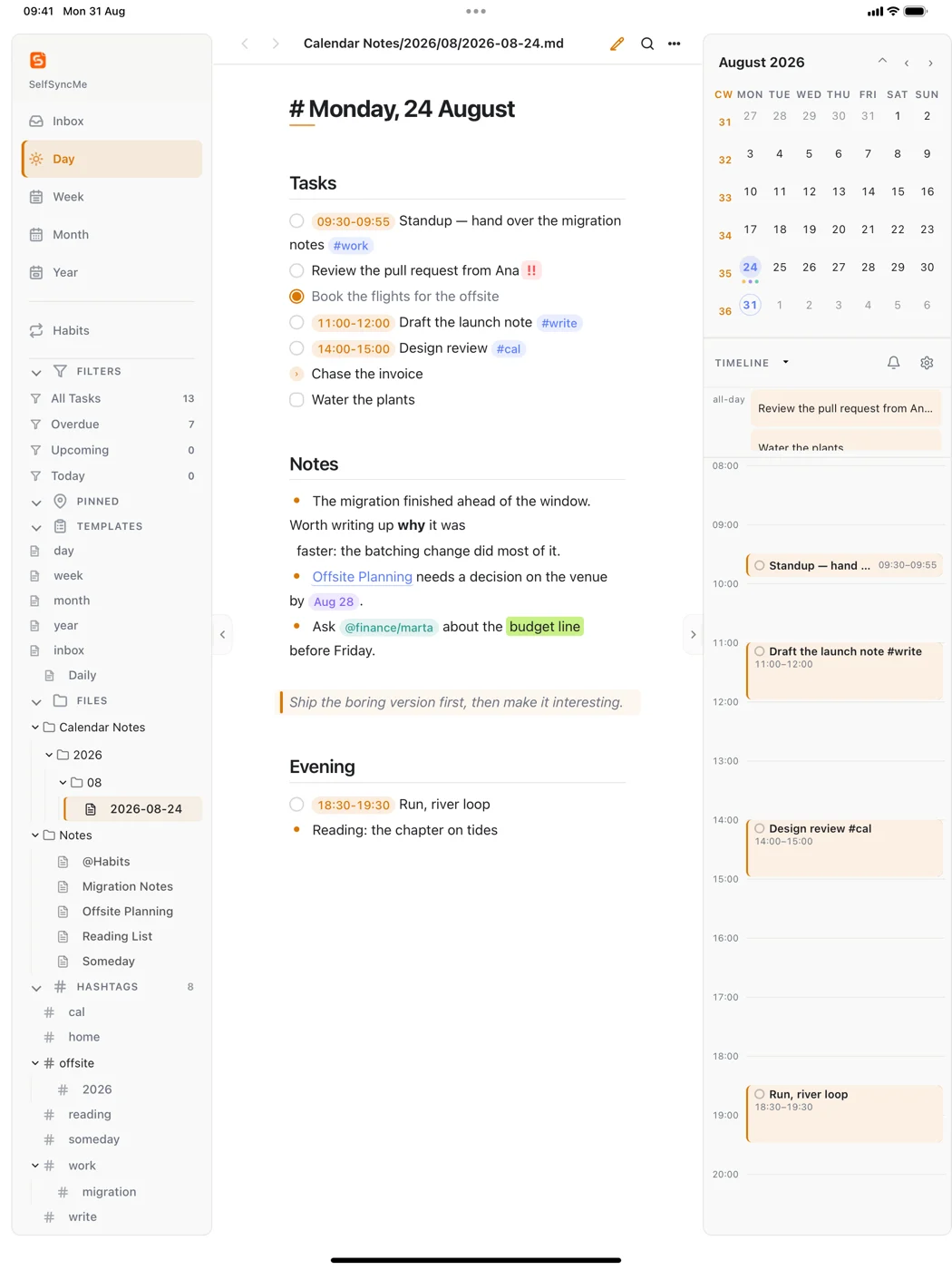
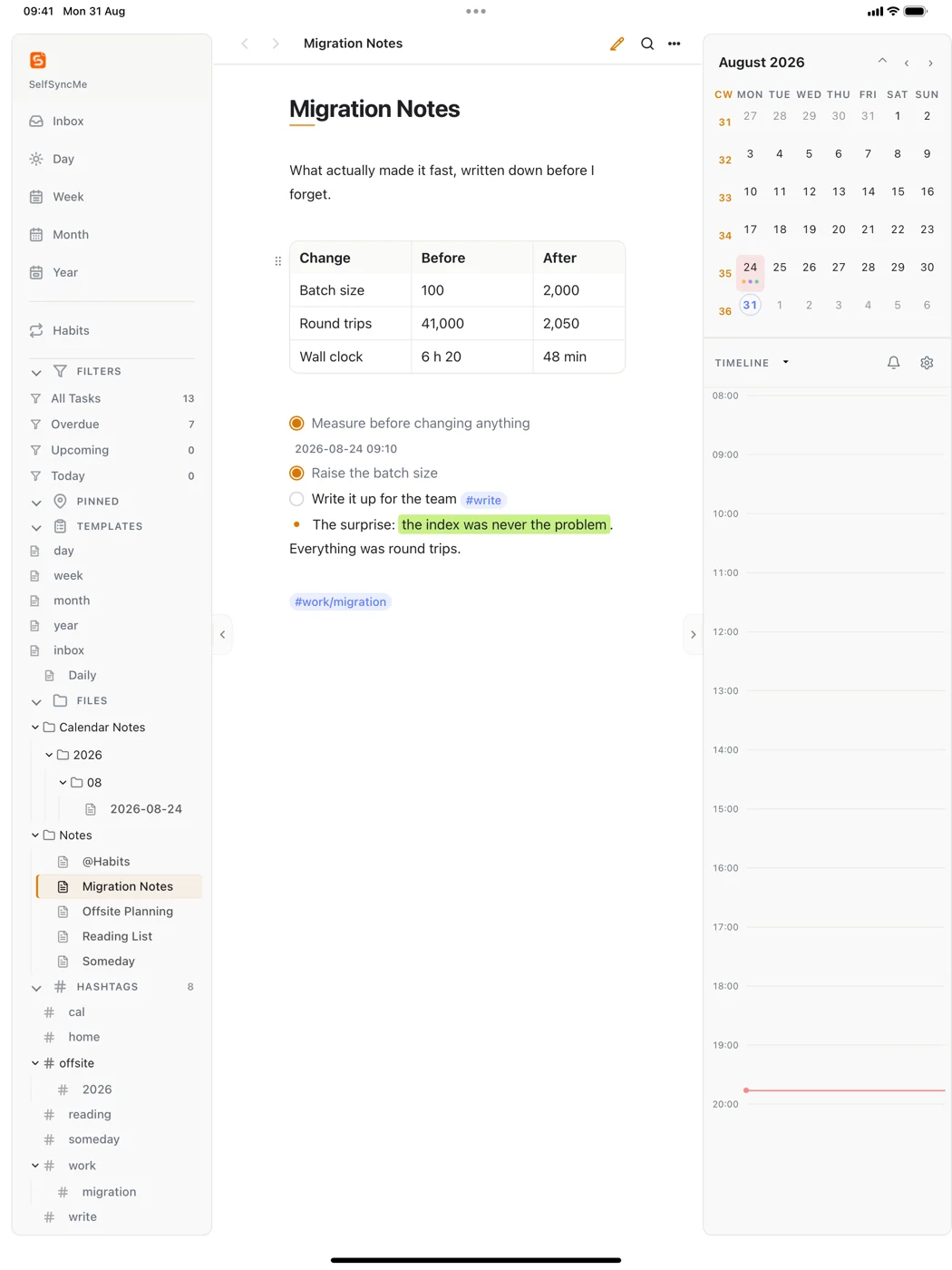
Markdown renders as finished text and shows its syntax only on the line you are editing. Tables become editable grids and save back as pipes and dashes.
Plans the dayday · week · month · year
Period notes made as you need them, and a timeline that lays the day's lines out in time. Drag a block and the time is rewritten in the note itself.
Knows your calendarmacOS · iPhone · iPad
Two-way with every calendar your device already aggregates — iCloud, Google, Exchange — through Apple's own EventKit. When a line and its event both change, neither is silently overwritten.
Finds things again
Hierarchical #tags and @mentions, links between notes,
full-text search, and a command bar that opens any note or date in two keystrokes.
Takes handwritingiPad
Apple Pencil notes stored beside the note, searchable by the text inside them.
Answers during a meetingmacOS · self-hosted web
A live assistant that transcribes what is said and answers from notes you prepared, citing which ones it used — and saying so plainly when they do not cover something.
Keeps what you wrote
Version history with a diff of what changed, recently deleted notes, and workspace backups. Restoring takes a safety copy first.
What that looks like
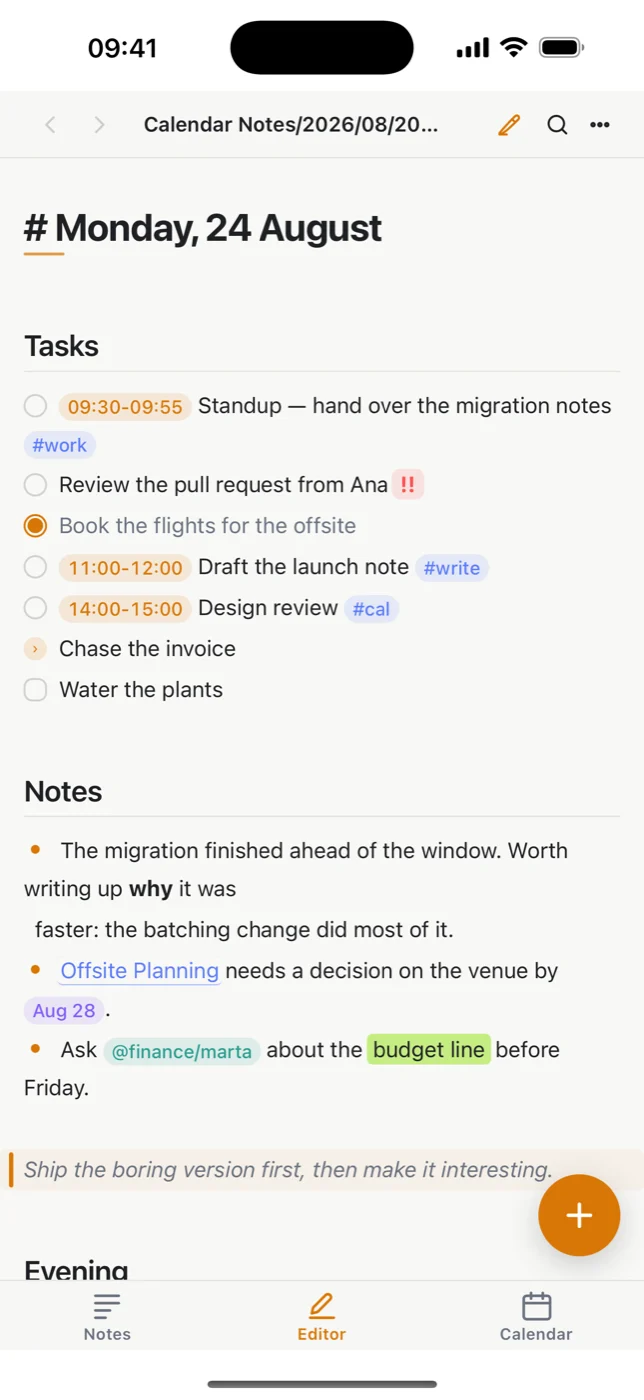
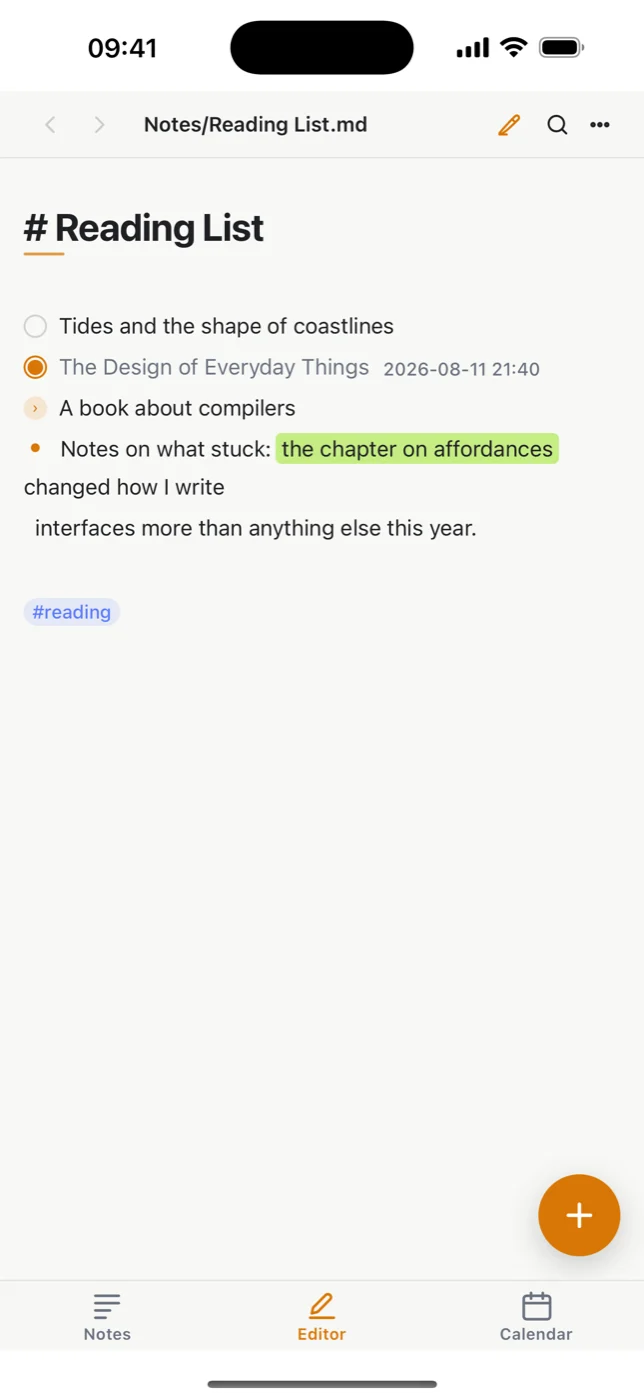
Screenshots of the app running, not mockups — the same notes you saw above, on the devices they were written on.
What it hasn't got
This is the part that took the most restraint, and it is why the privacy policy is one page.
Nothing to sign up for, nothing to sign in to, no password to lose.
Your notes go from your device to your iCloud Drive. There is no machine of ours in between.
No tracking library, no crash reporter, no advertising identifier. Nothing counts what you do.
Free, with nothing held back. No trial, no tier, no feature waiting behind a payment.
Markdown and folders. Copy them out, open them anywhere, stop using this app whenever you like.
Your folder structure is yours. The app reads what is there rather than insisting on its own shape.
Where to get it
Notes move between them through your own iCloud Drive, so the same day note is open on all three.
macOS
Signed with a Developer ID certificate and notarized by Apple, so it opens without a warning. Requires macOS 13 or later.
Download the disk imageiPhone and iPad
Built and signed, waiting on App Store review. It runs entirely on the device — the calendar, the editor and handwriting all work with no server behind them.
What that meansHost it yourself
The same app runs as a web app you put on your own machine, for reaching your notes from a browser. It is not a service anyone operates for you.
Read about it